In today’s fast-paced digital world, managing communication efficiently is essential. One feature that has transformed the way we handle missed calls is visual voicemail. But many users still ask, how does visual voicemail work?
In this guide by The Daily Business, we’ll break down everything you need to know in simple terms.
What Is Visual Voicemail?
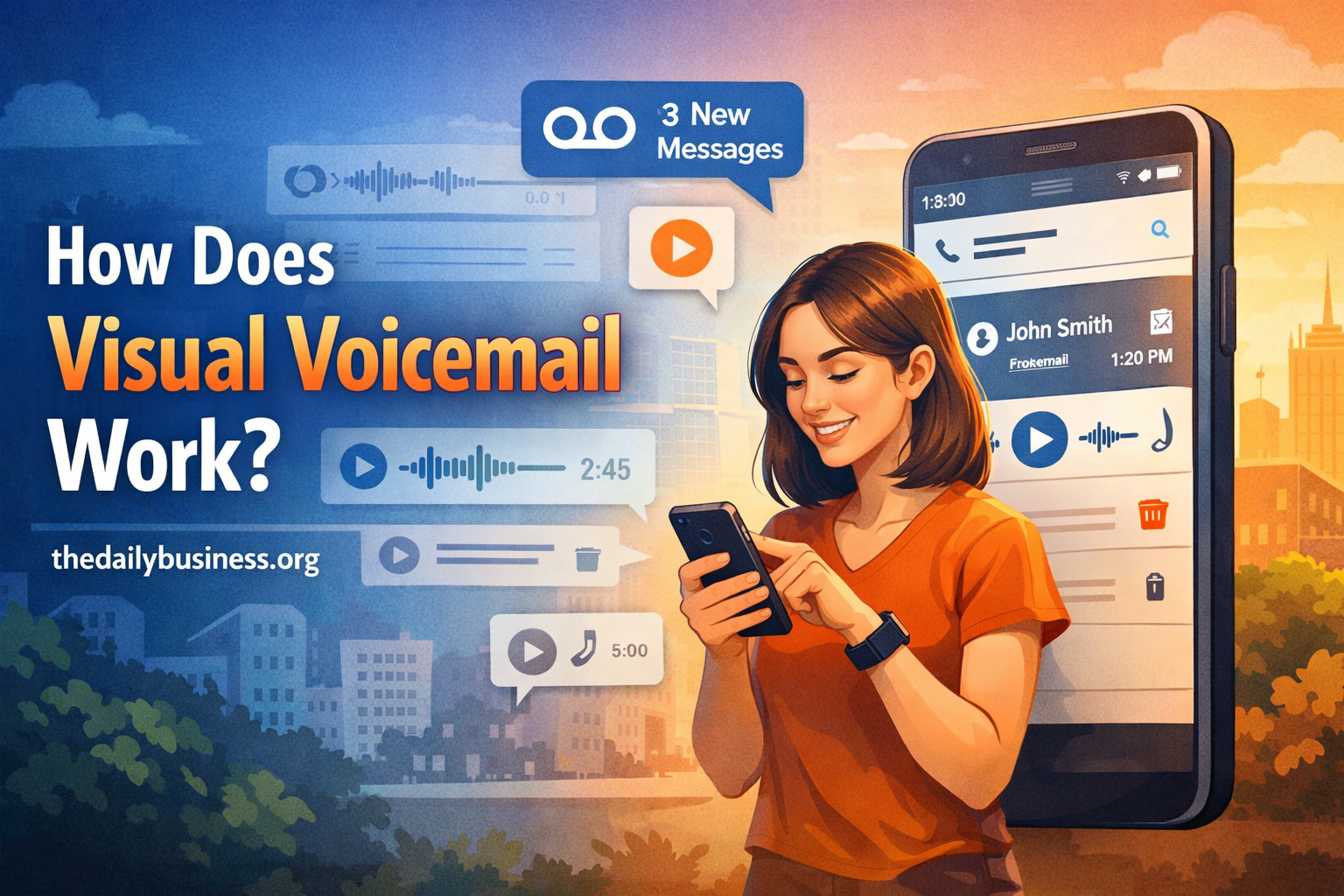
Visual voicemail is a modern upgrade to traditional voicemail systems. Instead of dialing a number and listening to messages one by one, users can view a list of voicemail messages directly on their smartphone screen.
Each message typically shows:
- Caller information
- Date and time
- Message duration
This allows you to choose which message to listen to first—just like checking emails.
How Does Visual Voicemail Work?
To understand how does visual voicemail work, it helps to look at the process behind the scenes:
1. Voicemail Is Recorded
When someone calls and you don’t answer, the caller leaves a voicemail just like in a traditional system.
2. Message Is Stored on Carrier Server
Instead of only storing it in a basic audio system, your mobile carrier saves the message on its server.
3. Message Is Transmitted to Your Device
Your phone connects to the carrier’s network and downloads the voicemail data using mobile data or Wi-Fi.
4. Visual Interface Displays Messages
The voicemail appears in a list format on your phone, often inside a dedicated app.
5. Optional Transcription Feature
Some services convert voice messages into text, allowing you to read voicemails without listening.
Key Features of Visual Voicemail
Understanding how does visual voicemail work also includes knowing its features:
- Message Selection: Listen to messages in any order
- Voicemail Transcription: Read messages as text
- Easy Management: Delete, save, or share messages
- Notifications: Instant alerts for new voicemails
Benefits of Visual Voicemail
Visual voicemail isn’t just convenient—it’s a productivity tool:
1. Saves Time
No need to listen to long prompts or unwanted messages.
2. Improves Organization
Messages are neatly listed, making it easy to manage them.
3. Enhances Accessibility
Text transcription helps users who prefer reading or have hearing difficulties.
4. Better Business Communication
Professionals can prioritize important messages quickly.
How to Set Up Visual Voicemail
If you’re wondering how to start using it, follow these simple steps:
- Open your phone’s voicemail or phone app
- Tap on “Voicemail” or “Visual Voicemail”
- Follow the setup instructions
- Create a voicemail password
- Record a greeting
Note: Availability depends on your carrier and device.
Visual Voicemail vs Traditional Voicemail
| Feature | Visual Voicemail | Traditional Voicemail |
|---|---|---|
| Access Method | App interface | Dial-in system |
| Message Order | Any order | Sequential |
| Transcription | Available | Not available |
| User Experience | Modern & fast | Slower |
Common Issues and Fixes
Even though visual voicemail is reliable, you may face issues like:
- Not updating messages → Check internet connection
- App not working → Restart or update the app
- Setup problems → Contact your carrier
Conclusion
So, how does visual voicemail work? In simple terms, it converts traditional voicemail into a smarter, app-based experience. By displaying messages visually and offering features like transcription, it saves time and boosts productivity.
For businesses and individuals alike, visual voicemail is a small feature that delivers big efficiency gains. Stay tuned with The Daily Business for more tech insights and practical guides.